Your Notes Can Answer You Back
You've recorded a dozen meetings this month. The answer to "what did we decide about pricing?" is in there somewhere — but finding it means scrubbing through transcripts.
Soria removes the scrubbing. Because every recording is transcribed and structured, you can ask questions in plain language and get answers drawn straight from your own notes.
How It Works
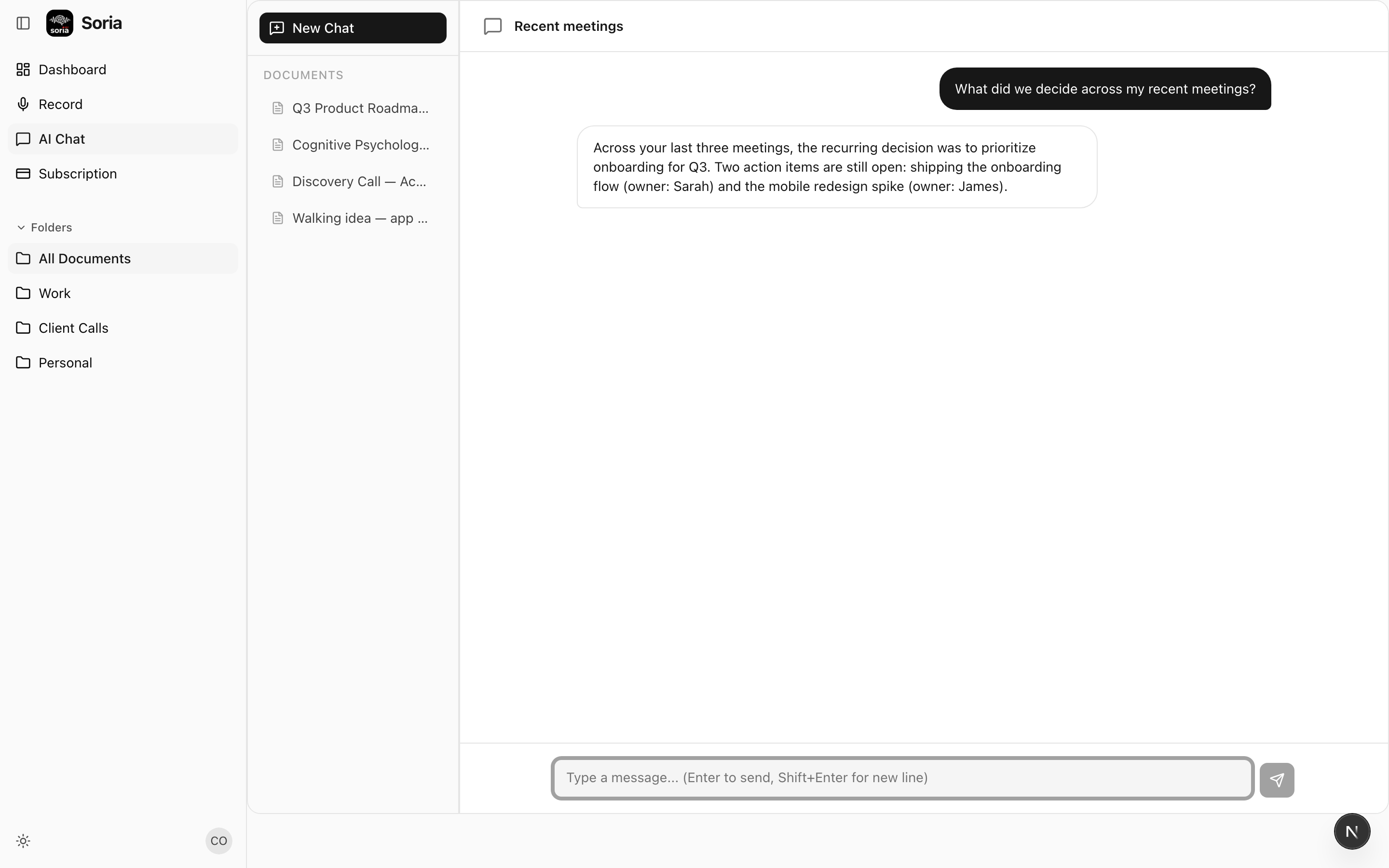
Open the chat and type a question the way you'd ask a colleague:
- "What did we decide across my recent meetings?"
- "What action items are still open?"
- "Summarize the Acme call in three bullets."
- "Did anyone mention the deadline?"
Soria reads across your notes and answers — citing what was actually said, not making things up. It's grounded in your recordings, so the answers reflect your meetings, your decisions.
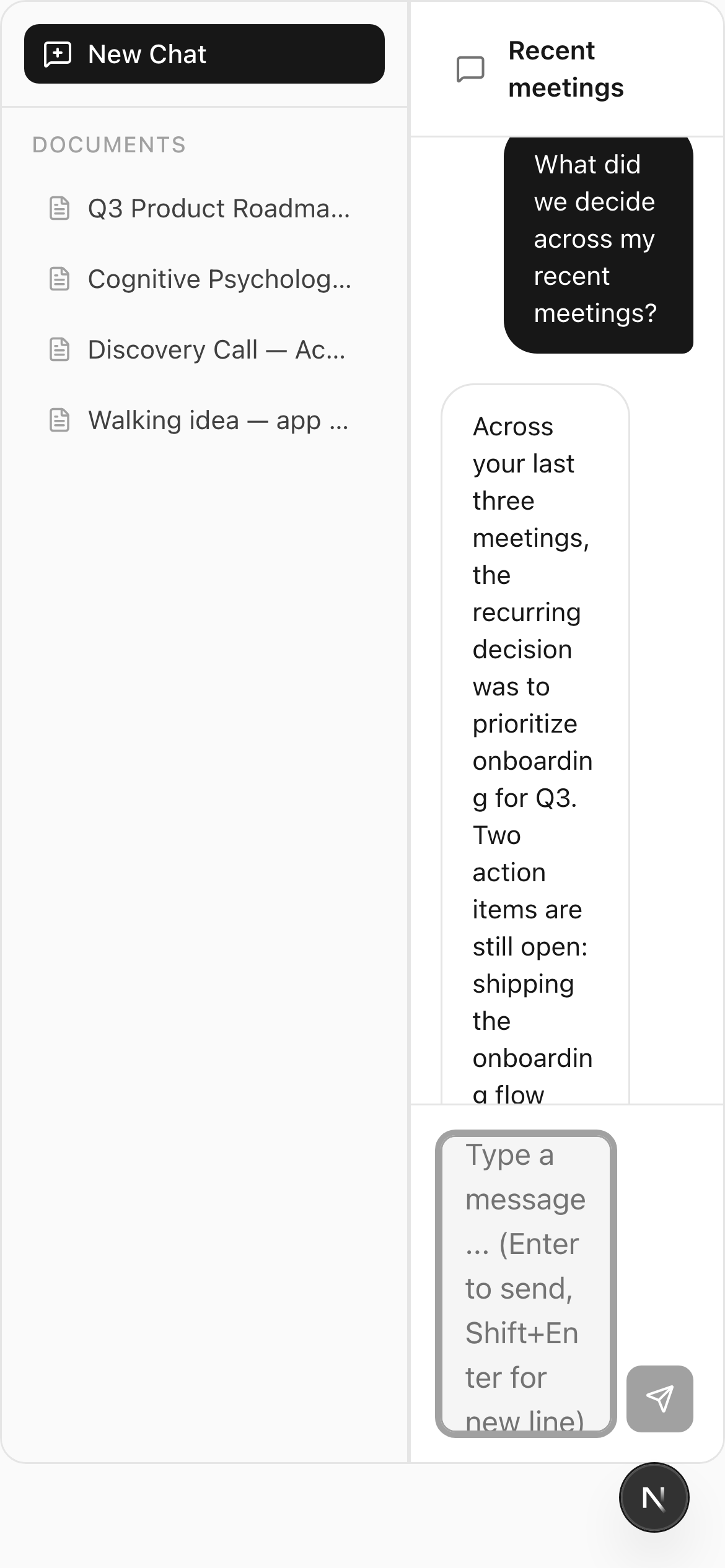
Ask from anywhere — the same chat is one tap away on your phone, so you can pull up an answer mid-conversation.
Two Ways to Use It
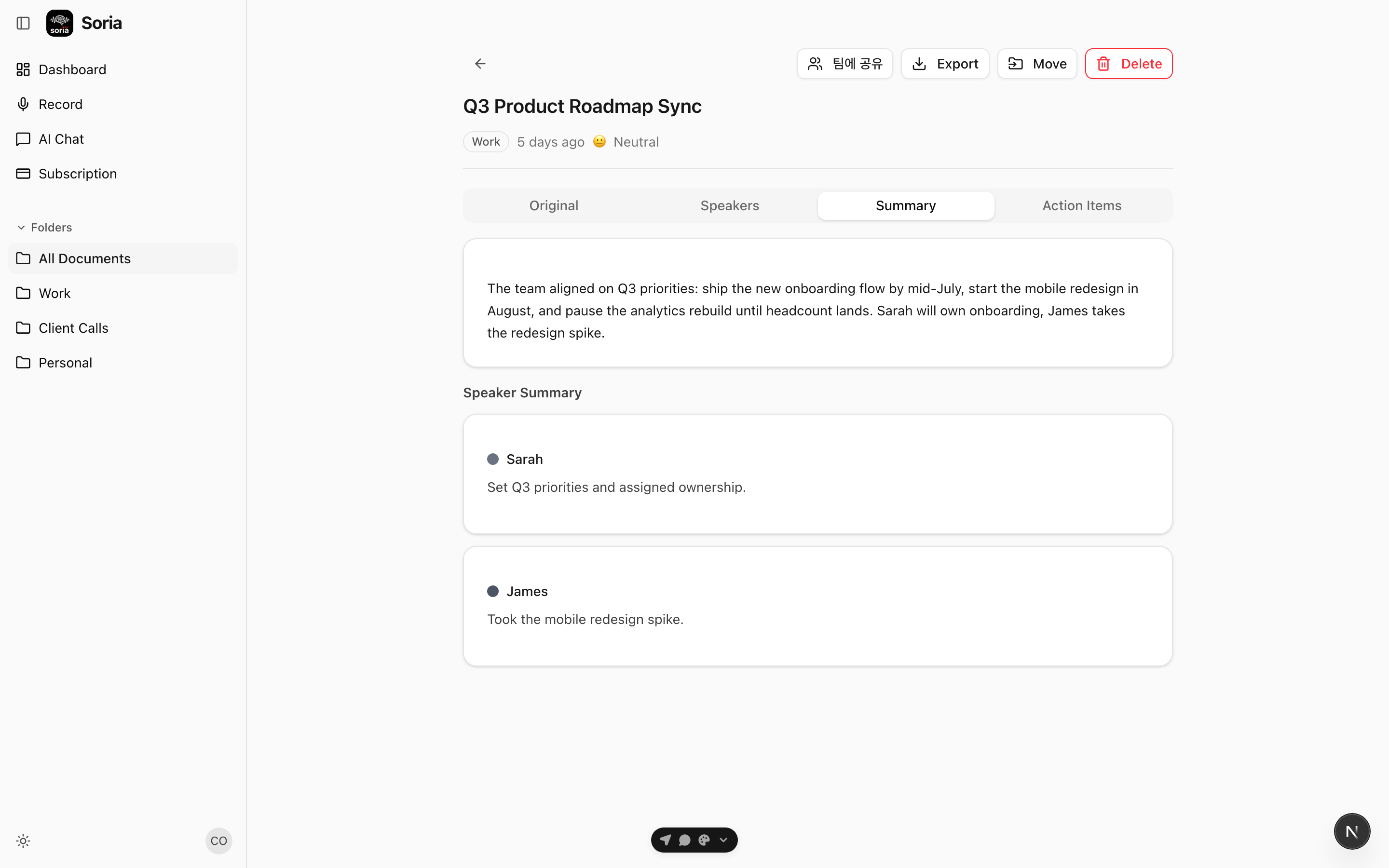
Ask about one note. Open a recording and chat with just that document — perfect for digging into a single long meeting. "What were the objections?" "What did Sarah commit to?"
Ask across everything. From the main chat, ask questions that span your whole history. "What's the status of the onboarding project?" pulls together threads from every relevant recording.
Real Examples
The follow-up email. After a client call, ask "Draft a recap of the Acme call with next steps." You get a shareable summary in seconds, built from what was said.
The Monday catch-up. Back from a week off? "What did I miss in last week's standups?" — and you're caught up without replaying anything.
The forgotten detail. "What was the number the vendor quoted?" Soria finds the exact moment, even if you don't remember which recording it was in.
Why It Beats Searching
Search finds where something was said. Chat tells you what it means. Instead of landing on a transcript line and reconstructing the context yourself, you get a direct answer that already pulls the relevant pieces together.
It turns a month of recordings from an archive you have to dig through into an assistant you can simply ask.
Get Started
Record a few notes, then ask Soria a question about them. The more you capture, the more useful it gets.
Download the app or open the web version and start the conversation.

