Why Teams Need More Than Solo Transcription
You record a client meeting, get a perfect transcript, highlight the key action items — and then what? You copy-paste it into Slack, or email it around, or drop it in a Google Doc that nobody opens.
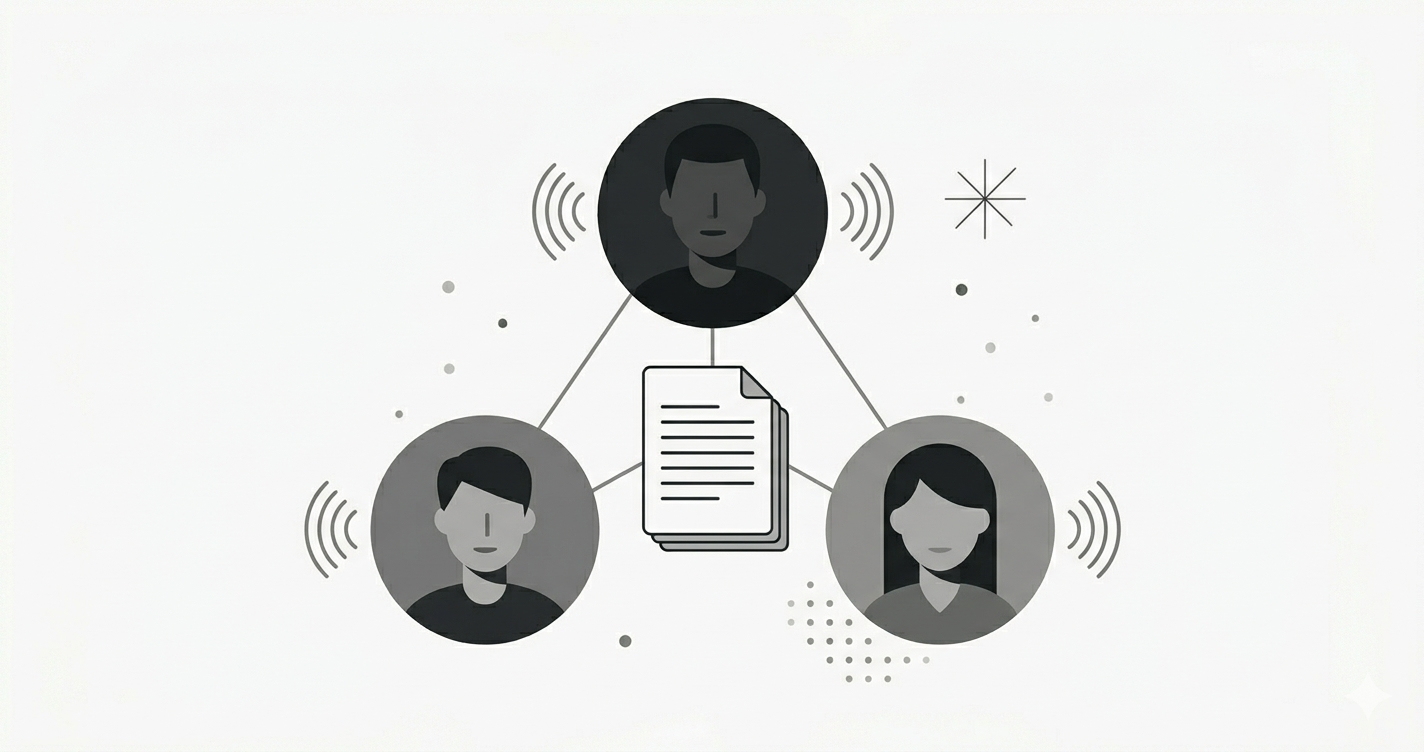
Sound familiar? That's exactly the gap Soria's Team plan fills. Instead of transcribing in isolation, your entire team can capture, review, and discuss voice content in one shared workspace.
What's in the Team Plan?
Shared Workspaces & Folders
Every team gets a workspace where members can create folders, organize documents, and browse shared content. Think of it as your team's voice knowledge base.
- Any member can create folders — no bottleneck waiting for an admin
- Admins manage structure — pin important folders, remove outdated ones
- Real-time sync — when someone shares a document, it appears for everyone instantly
Share Your Documents to the Team
Recorded something useful? Share it with one tap.
From any document, hit Share to Team, pick a folder, and it's live in the workspace. You can also use Import Documents from the workspace to bulk-share multiple recordings at once.
Changed your mind? Unshare anytime — the document goes back to your private library.
Real-Time Collaborative Recording
This is the feature that changes how teams capture meetings.
Start a recording session and invite team members to join. Everyone sees the live transcription as it happens. No more "can you share the meeting notes?" — everyone was there, in the same session.
Up to 3 concurrent sessions on Team, 10 on Enterprise.
Comment on Recordings & Discuss
After a meeting, the real work begins. With timestamped comments, you can:
- Point to a specific moment in the recording and leave a note
- Start threaded discussions — reply to comments, tag decisions
- Attach files — drop in a related document, screenshot, or resource
When you export to PDF or Markdown, comments and attachments come along.
Per-Member Usage Tracking
Each team member sees their own usage dashboard:
- Transcription minutes used vs. limit (2,000 min/seat)
- Recordings count (unlimited)
- Live mode usage (240 min/seat)
Admins see the full picture — team-wide usage, per-member breakdown, and alerts when anyone approaches their limit.
Role-Based Access
Not everyone needs admin controls. The Team plan uses three roles:
| Role | Can do | |------|--------| | Owner | Everything — billing, settings, member management | | Admin | Invite members, manage folders, view usage | | Member | Create folders, share documents, record, comment |
Members see a simplified dashboard focused on their own work. Admins and owners get the full management view.
Getting Started with Team
- Sign up and choose the Team plan ($29.99/user/month, or $23.99 with annual billing)
- Create your team — pick a name, invite members by email
- Start collaborating — create folders, share recordings, leave comments
Your first recording session with the team will feel like the "aha" moment. Try it.
Pricing at a Glance
| | Pro | Team | |---|---|---| | Transcription | 1,000 min/month | 2,000 min/seat/month | | AI Insights | 50/month | 100/seat/month | | Live Mode | 120 min/month | 240 min/seat/month | | Shared Workspace | — | Included | | Collaborative Recording | — | Up to 3 sessions | | Comments & Attachments | — | Included |
Already on Pro? Upgrading to Team unlocks the full collaboration suite while doubling your transcription and insight limits.

