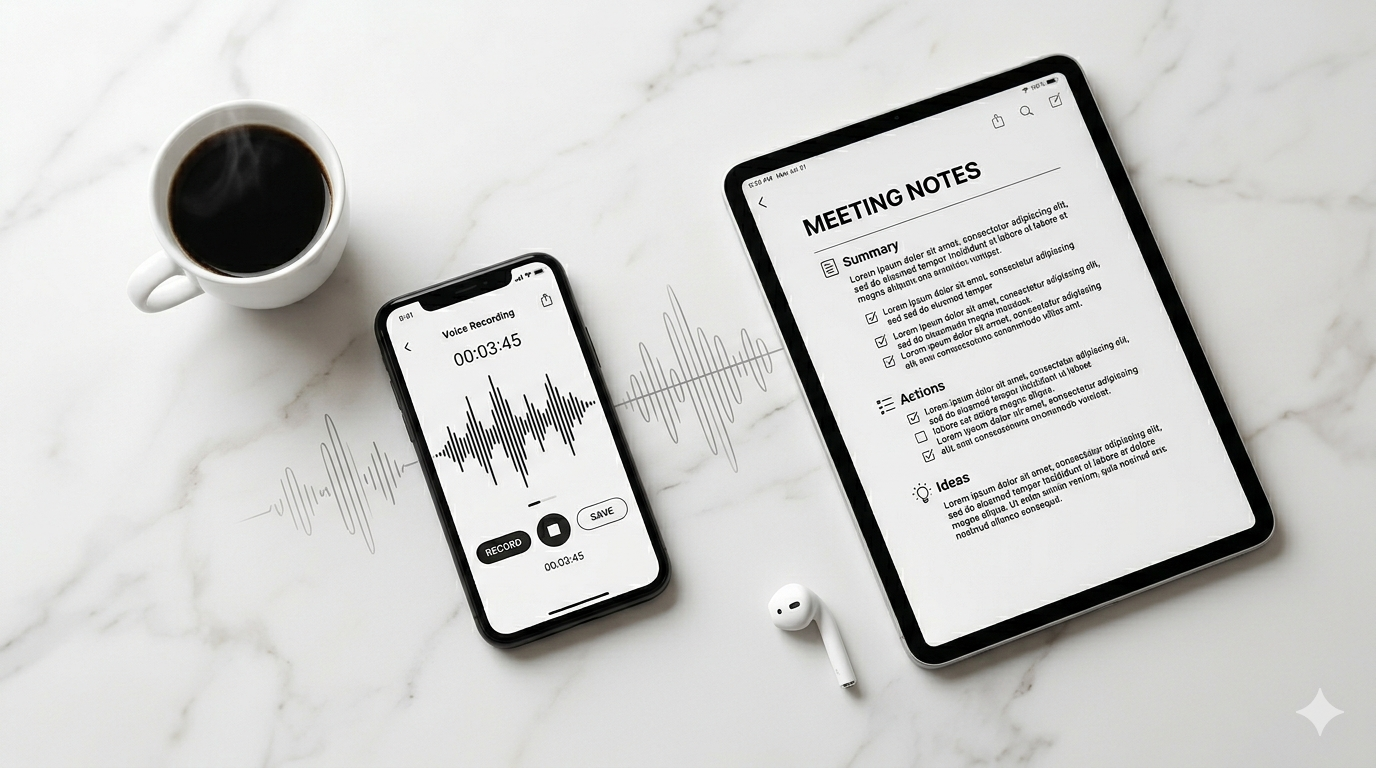
You Already Know What to Write. You Just Haven't Said It Yet.
Every day, you produce thousands of words in your head. Meeting takeaways, creative sparks, follow-up reminders, reflections on what went well and what didn't. The problem was never generating ideas — it was getting them out fast enough before the next one pushed them aside.
Typing is slow. Typing on a phone is slower. And by the time you open a note-taking app, find the right folder, and start pecking at the keyboard, the thought has already lost its sharpness.
What if you could just talk?
From Sound Waves to Structured Notes
Soria doesn't just transcribe your voice. That would be a dictation tool, and there are plenty of those. Instead, Soria listens to what you say and produces what you actually need: a clean, structured note that's ready to use.
Here's what happens when you hit record:
- Your voice is captured — tap once, speak naturally, stop when you're done.
- AI transcribes with precision — supporting 30+ languages, handling accents, filler words, and cross-language switches.
- Smart analysis kicks in — the transcript is processed into a summary, action items, and key insights.
- Your note is organized — filed in the right folder, tagged, and searchable.
The entire pipeline runs in seconds. You talk for three minutes, and you get back a note that would have taken fifteen minutes to type and format.
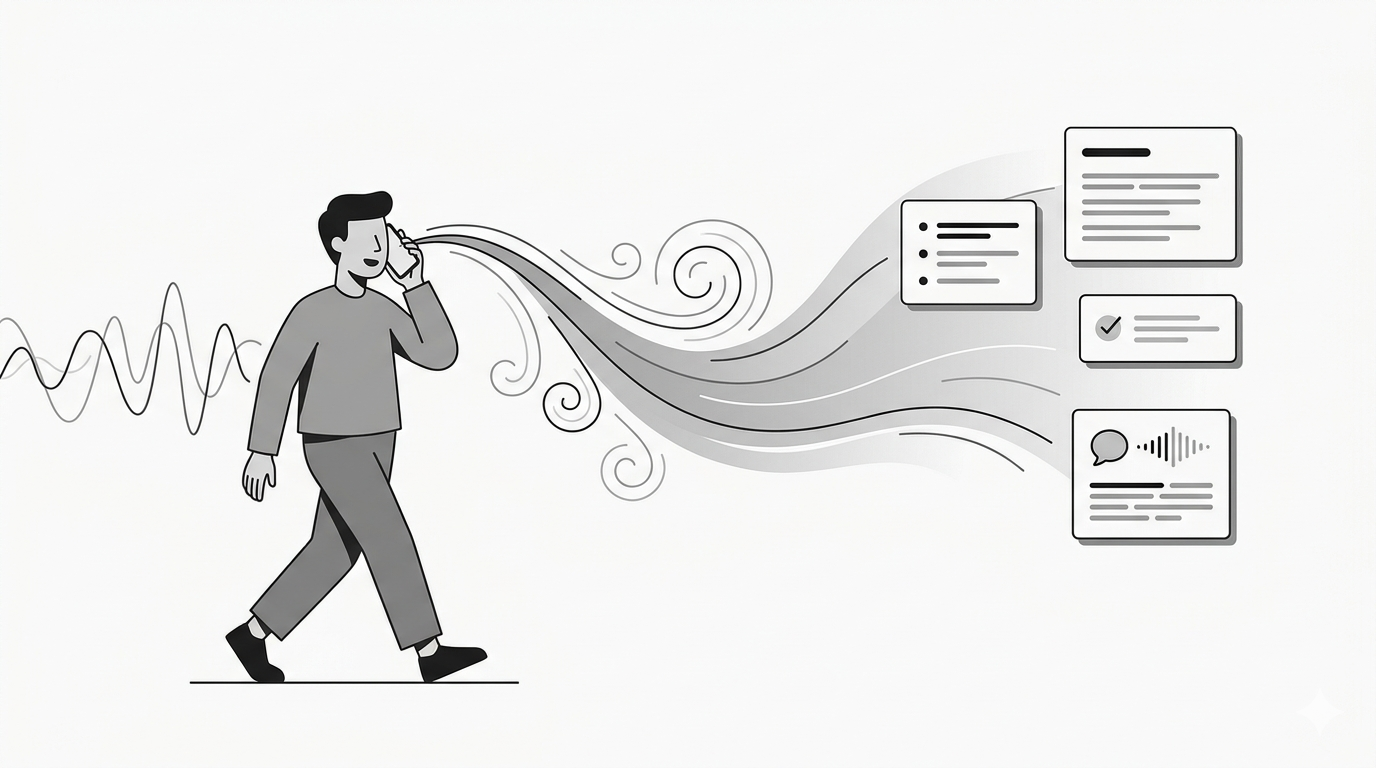
What Makes This Different from a Voice Recorder
A voice recorder gives you an audio file. You still have to listen to it again, type out the important parts, and organize the result. That's not saving time — that's deferring work.
Soria collapses those steps. Here's a side-by-side:
| Traditional Approach | With Soria | |---|---| | Record audio → listen again → type notes → organize | Record → done | | 20 minutes of processing per 5-minute recording | Seconds of AI processing | | Raw audio file sitting in your phone | Searchable text with summary | | "I'll deal with it later" | Already dealt with |
The shift is from recording to capturing. A recording is raw material. A capture is a finished product.
Five Scenarios Where Voice-to-Notes Changes Everything
After a Meeting
You just walked out of a 45-minute meeting. Instead of frantically typing half-remembered bullet points, you record a 2-minute voice debrief: "The main decision was to push the launch to April. Sarah owns the landing page. I need to update the timeline doc by Friday."
Soria turns that into a structured note with action items extracted and assigned. You share it with your team. Done in under a minute.
During a Commute
You're driving and an idea hits — a solution to the bug that's been bothering you all week. You can't type. You shouldn't type. But you can talk. Record it, and when you arrive at your desk, the note is already waiting in your Soria inbox.
In Another Language
You're in a meeting where half the participants speak Korean and the other half speak English. Soria's live translation mode captures both languages in real time and produces a bilingual transcript. No interpreter needed.
Walking Through a Brainstorm
Some people think best on their feet. You're pacing, talking through a product idea, jumping between topics. The transcript might be messy, but Soria's AI summary pulls out the coherent threads and presents them as organized bullet points.
Reviewing Your Day
Before bed, you spend 90 seconds talking through what happened today. What went well, what needs follow-up, what you're grateful for. Over time, this builds into a searchable personal journal — without the friction of writing.
The Details That Matter
Speaker Identification
When multiple people are talking, Soria identifies who said what. Meeting notes become conversations, not monologues. You'll see "Sarah: We should launch in April" instead of an anonymous wall of text.
Tone Conversion
Your spoken words are casual. Your report needs to be formal. Soria can rewrite the same content in different tones — professional, casual, academic, or concise — so you get the format you need without rewriting anything yourself.
AI Chat on Your Notes
After a note is created, you can ask Soria questions about it. "What were the three action items from yesterday's meeting?" or "Summarize everything I recorded about the Q2 budget." Your notes become a knowledge base you can query.
Folder Organization
Notes are automatically filed based on your folder structure. Meeting notes go to the Meetings folder. Personal reflections go to Journal. You set it up once and forget about it.
Built for People Who Think Out Loud
There's a specific kind of person who benefits most from voice-to-notes. You might be one of them if:
- You have five ideas before breakfast and remember two by lunch
- You process thoughts by talking through them
- Your best insights come when you're away from a screen
- You attend meetings in multiple languages
- You value speed over perfect formatting
Soria isn't trying to replace your favorite writing tool. It's designed to fill the gap before you sit down to write — capturing the raw material that makes writing easier.
Getting Started Takes 30 Seconds
- Download Soria on iOS, Android, or open the web app
- Tap record
- Talk
That's genuinely it. Your first note will be transcribed, summarized, and waiting for you before you finish reading this sentence.
No templates to set up. No integrations to configure. No onboarding wizard. Just press record and speak.
Your Voice Is Your Fastest Tool
The gap between thinking and writing has always been the bottleneck. Voice-to-notes doesn't just close that gap — it eliminates it. You think, you speak, and the note exists.
Soria is free to start. No credit card, no trial period, no catch. Just your voice and an AI that knows what to do with it.

